


How to Share Shipment Tracking Links with Customers (2026 Guide)

TL;DR — The Short Version
• The single biggest hidden cost in ocean ops in 2026 isn't demurrage or rates — it's the "where's my container?" email. Most ops teams spend 25–40% of their week answering tracking inquiries that don't need a human.
• The fix isn't a portal. Portals require logins, password resets, and onboarding — friction your customers won't tolerate.
• The right pattern is a secure, expiring tracking link delivered by email — verified to the recipient, revocable any time, and generated either manually or automatically via API.
• SeaVantage's new Share Shipment Updates feature inside Cargo Insight ships exactly this: bulk or single-shipment sharing from the dashboard, POST /share/links for automation, DELETE /share/links/{linkId} for revocation, and auto-expiry when tracking ends.
The teams winning customer experience aren't the ones who answer faster. They're the ones who eliminate the question.
The 30% Problem: How "Where's My Container?" Quietly Steals Your Margin
Walk into any forwarder, BCO, or 3PL operations floor and ask the team what they spend their day on. The honest answer — somewhere between coffee three and four — is status updates.
Every shipment generates a handful of inbound questions. "Has it sailed?" "Did it berth?" "When does it gateout?" "Why is it late?" Multiply that across hundreds or thousands of active containers, and the load adds up faster than most teams admit. Industry-side estimates routinely put the share of customer-service time spent on tracking inquiries between 25% and 40% — and that's before you count the cost of every shipment being touched by a human who could be solving an actual exception.
The instinctive response is to throw a portal at the problem. It rarely works. Portals require accounts, passwords, training, and onboarding — friction your customers spent zero of their procurement budget signing up for. Adoption is low, the inbound questions keep coming, and now you also own a piece of software nobody uses. The structural fix is different: replace the portal with a link — the same shift DocuSign made for contracts and Calendly made for scheduling.
What "Shareable Tracking Links" Actually Need to Do
Not all tracking links are equal. A vendor that emails customers a public URL is solving the wrong problem — public links leak, get forwarded, and expose sensitive shipment data to people who shouldn't see it. The pattern that actually works has four characteristics:
This is the spec SeaVantage's Share Shipment Updates release inside Cargo Insight is built against. Recipients receive an email, verify their address, and land on a live map view with ETA and transit events —no account, no password, no onboarding call. Up to five emails per shipment. Auto-expiry on final destination. Manual revocation from the dashboard.
Where the Real Leverage Is: The API
For most teams, the bigger story isn't the dashboard — it's the automation. The SeaVantage Open API exposes two endpoints that change how your customer experience scales:
• POST /share/links — Generate a secure, verified tracking link the moment an order or booking is confirmed in your TMS, ERP, or CRM. Drop it into the booking confirmation email automatically.
• DELETE/share/links/{linkId} — Revoke programmatically based on delivery status, payment events, or contract cancellation.
The pattern is straightforward but powerful: every shipment your team books generates a tracking link without any ops action, distributed to your customer in the same workflow your TMS already runs. The 30% of your week spent on tracking emails collapses to a single line in a middleware step.
Three Operating Patterns That Win
The teams getting the most from shareable tracking link t end to adopt one of three patterns.
Pattern 1 — Booking-Triggered Auto-Share
The link is generated by API at booking confirmation and embedded in the booking confirmation email. The customer never has to ask. This pattern is especially powerful for forwarders running self-service quote-to-book flows — the visibility experience matches the booking experience.
Pattern 2 — Exception-Triggered Share
For BCOs with strict access policies, the link only goes out when an exception or milestone fires (ETA shift > 24h, vessel deviation, terminal delay). The customer hears from you on signal, not on noise. The platforms strongest at predicting that signal are the same ones that surface terminal-level congestion ahead of carriers — see our comparison of port congestion tracking platforms for the forecast-horizon landscape.
Pattern 3 — Bulk Share for Long-Tail Customers
For high-volume operations with hundreds of small customers, the dashboard's bulk-share workflow handles the long tail. Select shipments, paste recipient emails, send. No development work required, and the secure verification + auto-expiry still apply.
The CX Math: What Eliminating the "Where Is It?" Email Is Actually Worth
Take a moderate-sized forwarder running 5,000 ocean shipments per quarter. Assume each shipment generates an average of two status inquiries over its lifecycle, and each inquiry takes a customer-service rep five minutes to answer (look up the container, paste an update, send).
• 5,000 shipments × 2 inquiries × 5 minutes = 833 hours per quarter.
• At a fully-loaded CSR cost of $40/hour, that's $33,320 per quarter — roughly $133K annually — spent on a function that adds zero margin.
• Even a 70% inquiry reduction returns roughly $93K annually for a single mid-market forwarder. For enterprise operations the math compounds quickly.
The cost isn't only money. It's that your most experienced ops staff spend their week on the lowest-value work in the company.
Security: Why the Email Verification Step Matters
The most common objection to shareable tracking links is security: "What if the link gets forwarded?" The right pattern handles this in three layers.
• Email verification at first click — even if the link is forwarded, the forwarded recipient can't get past the verification challenge.
• Per-shipment scoping — the link reveals only the specific shipment, never your full container list or account.
• Revocation — both automatic on final destination and manual any time from the dashboard.
This is the operating model regulated industries already use for sharing sensitive data — and it's the bar shippers should hold their visibility platform to.
Setup Checklist: From Manual Replies to Automated Sharing in One Week
Most teams see a measurable drop in inbound inquiries within two weeks — and a structural one within a quarter.
Frequently Asked Questions
What is a shareable shipment tracking link?
A shareable shipment tracking link is a secure, recipient-verified URL that gives a customer real-time visibility into a single shipment — including live map, ETA, and transit events — without requiring an account or login. The best implementations include email verification, auto-expiry, and manual revocation.
How do I share container tracking with customers without giving them platform access?
The standard 2026 pattern is to issue a per-shipment shareable link, either manually from your visibility platform's dashboard or programmatically via API. SeaVantage's Share Shipment Updates feature inside Cargo Insight does this with email verification, up to five recipients per shipment, and auto-expiry when tracking ends.
Can shipment tracking links be automated through an API?
Yes. SeaVantage's Open API exposes POST /share/links to generate links automatically (e.g., on booking confirmation) and DELETE/share/links/{linkId} to revoke them based on delivery status, payment, or cancellation events. This eliminates manual sharing entirely for high-volume operations.
How do you keep shared tracking links secure?
The right pattern combines three layers: email verification at first click (so forwarded links can't be opened by unauthorized recipients), per-shipment scoping (the link reveals only that shipment), and revocation (automatic on delivery, manual any time). Public, unverified tracking URLs should be avoided.
How much time can shareable tracking links save my ops team?
Most operations spend 25–40% of customer-service time on status inquiries. Realistic post-implementation reductions are 60–75% of that inquiry volume, which translates to meaningful FTE recovery — typically tens of thousands of dollars per quarter for a mid-market forwarder.
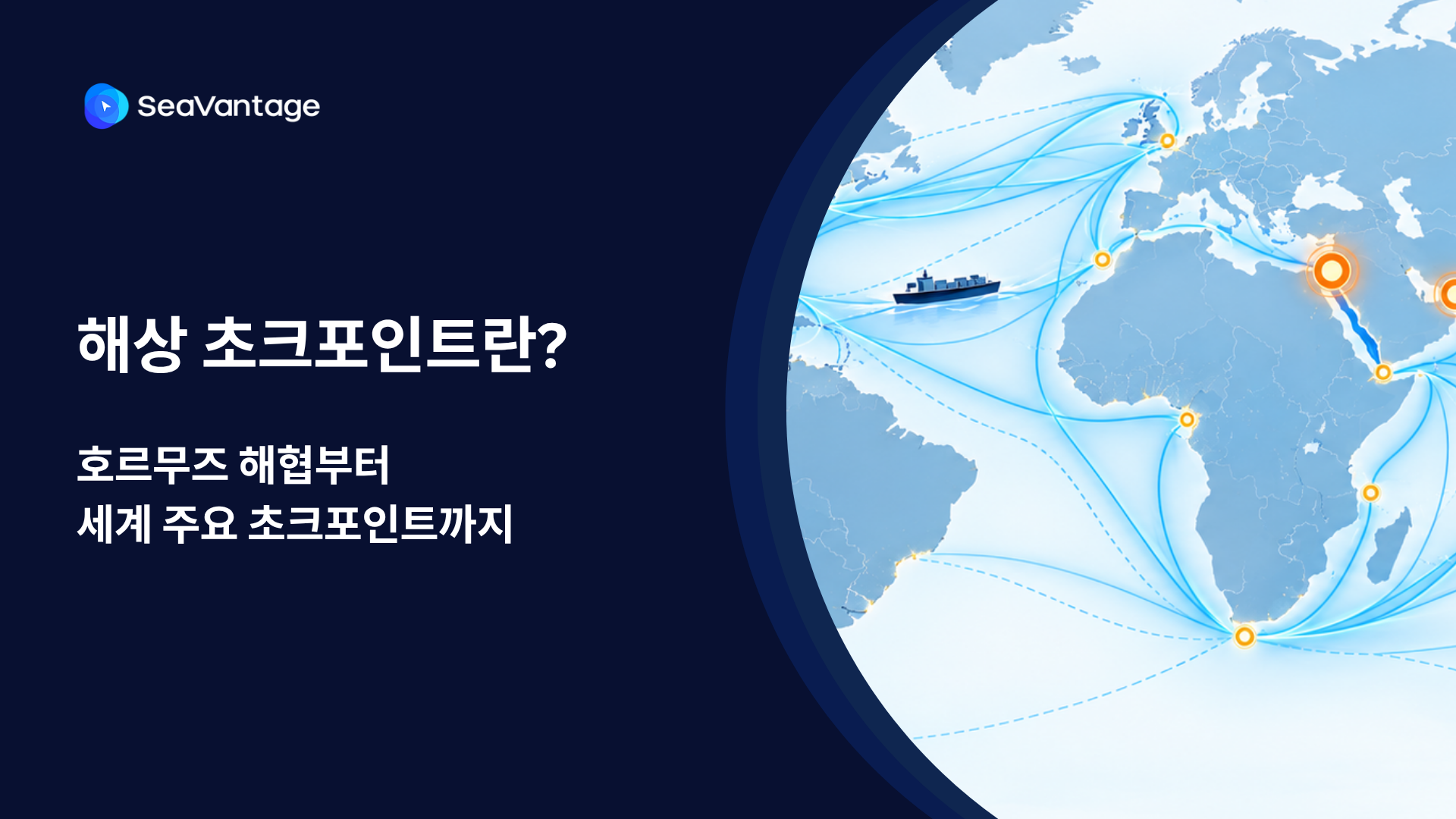

팬스타 아크로호가 지난 8월 22일 북극항로 시범운항을 시작했습니다. 국내 최초 컨테이너선 북극항로 운항 현황과 상업성 검증 항목, 화주·포워더가 주목할 사항을 정리합니다.
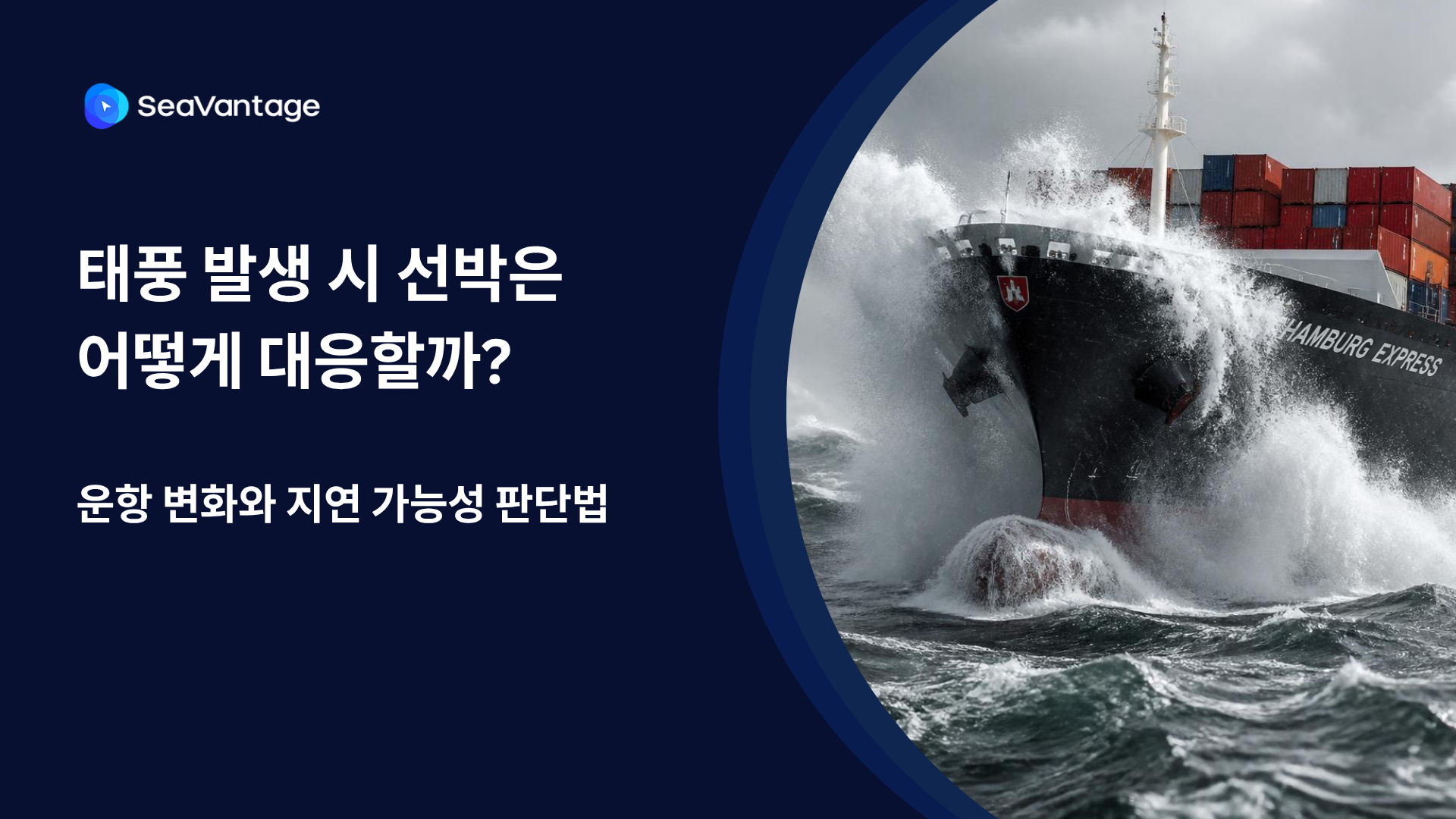
태풍 발생 시 선박은 우회·감속·대기 등 서로 다르게 대응합니다. AIS 항적과 ETA·PTA·PTB, 항만 혼잡 데이터를 활용해 해상운송 지연 가능성을 판단하는 방법을 알아보세요.
Need a SeaRates alternative? See how SeaVantage Cargo Insight supports container tracking, predicted arrivals, shipment milestones, and API access.
TPEB rates 2026, Indian Subcontinent ocean freight capacity, Strait of Hormuz shipping disruption, schedule reliability ocean carriers
What's driving ocean freight peak season 2026 — rates, surcharges, booking windows, and how to avoid missed inventory deadlines.

.png)


